TallyPrime inside Make
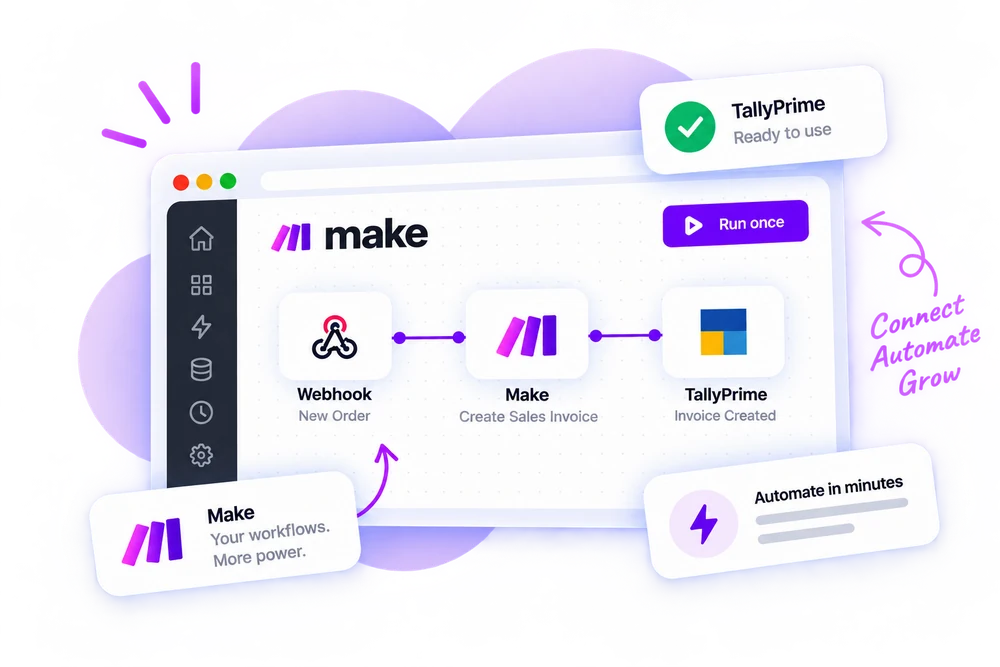
Add a Balancely module to any Make scenario and it posts a proper voucher to your TallyPrime.
On its way to the Make marketplace. The same actions work today through the Direct API.
Included in every plan
Three steps to your first scenario
Once the connector is in place, every later automation is only the last two.
Connect your company
Install the free connector once, on the computer that runs TallyPrime.
Add a Balancely module
In a scenario, search for Balancely, pick the module, create the connection and choose the company.
Map the fields and schedule it
Customer, amount, items — map them from the previous module. Run once to check, then schedule.
Three kinds of module, on every plan
Counted live from the product, and every one is included in every plan.
Post entries
Each one is a proper voucher, checked before it is sent.
Look things up
Live from your books. Nothing is changed.
Start a scenario
Something is entered in TallyPrime, or happens in Balancely.
Make’s quirks, absorbed
The differences between Make and TallyPrime are ours to deal with, not yours.
Arrays as they come
Make’s mapper already produces arrays of objects — exactly the shape an invoice’s lines need.
A real connection test
The connection is validated against userinfo, which also names the company behind the token.
Retries are safe
Let Make’s error handler retry or hold the bundle — a repeat never creates a second entry.
Things Make users ask first
How the Make app behaves, and what counts against which plan.
Can it handle line items from an iterator or aggregator?
Yes. Item lines accept an array, so an aggregator feeds a multi-line invoice in one module.
Can a scenario start from TallyPrime?
Yes. Watch modules such as Watch Sales Invoices, Watch Receipts and Watch Ledgers start a scenario when the entry is made in TallyPrime itself, on the schedule you set in Make.
What happens if TallyPrime is closed when the scenario runs?
The module errors with "TallyPrime is not running" and nothing is posted. Make's error handling can retry or hold the bundle.
Does it count against my Make operations?
Each Balancely module run is one Make operation, as with any app, and one operation on your Balancely plan.
Does my computer need to stay on?
Yes. TallyPrime is desktop software, so the computer running it has to be on with the connector running. The connector starts with Windows and sits in the system tray, so in practice it looks after itself.
Which versions of TallyPrime does it work with?
TallyPrime 7.x, with connectivity switched on (F1 → Connectivity → act as Both). That setting is what lets any program on that computer talk to Tally.
Can I automate more than one company?
Yes. Each connection is bound to one company, and you can add several — from one computer or from several. Every module points at the connection you choose.
Make support is coming soon
The API works today if you cannot wait. Or leave your email and we will tell you the day the app goes live in Make.
A confirmation now, one email at launch
Nothing else sent to you