TallyPrime from your own code
The same actions, as a plain REST API. JSON in, a voucher number back. Any language, any tool that can make a web request.
Included in every plan
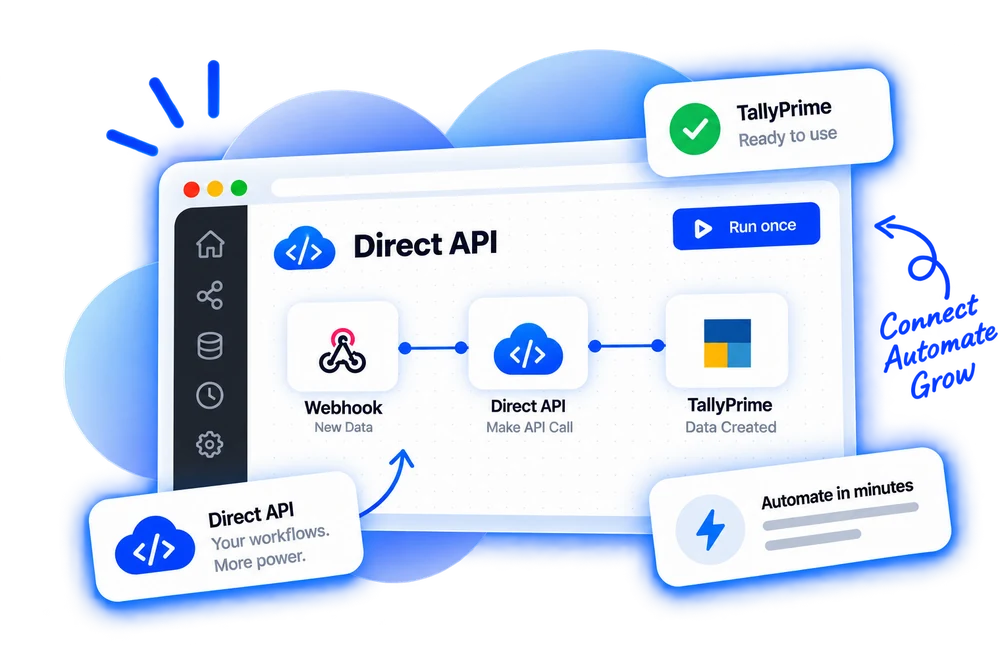
Three steps to a posted voucher
Once the connector is in place, every later automation is only the last two.
Connect your company
Install the free connector once, on the computer that runs TallyPrime.
Create an application
In the dashboard, no code. You get a Client ID and Secret for OAuth 2.0.
Call the operations
POST JSON to an operation and get the voucher number back. Every field is checked before posting.
Three kinds of call, on every plan
Counted live from the product, and every one is included in every plan.
Post entries
Each one is a proper voucher, checked before it is sent.
Look things up
Live from your books. Nothing is changed.
Start a request
Something is entered in TallyPrime, or happens in Balancely.
Built for a client, you write once
The awkward parts of posting to accounting software are dealt with here, so your client stays a few plain requests.
One response shape
Every answer is { data } or { error } with a stable code, so a client parses it once.
Idempotent writes
Send an Idempotency-Key header, or let the fingerprint do it — a retry lands on the same record.
A catalogue you can read
GET /tally/operations lists every action with its required fields, so your step list never goes stale.
Things developers ask first
Authentication, retries, limits and webhooks.
Is the API idempotent?
Every write accepts an idempotency key. Send the same request twice and the second returns the first result; TallyPrime never gets a duplicate.
What are the rate limits?
Each account has a per-minute limit set by its plan, shown on the Pricing page. A limited response returns 429 with a Retry-After header.
Are there webhooks?
Yes. Subscribe to connection and entry events and Balancely posts signed JSON to your endpoint.
Can I find out when something is entered in TallyPrime?
Yes. GET /api/v1/tally/triggers/sales_invoices, receipts, payments, ledgers and four more list the newest entries made in TallyPrime itself, newest first, each with a stable id. Poll them on your own schedule.
Does the computer running TallyPrime need to stay on?
Yes. The connector has to be running on that computer for a request to reach TallyPrime. It starts with Windows and makes only outbound connections, so no port or static IP is needed.
Which versions of TallyPrime does it work with?
TallyPrime 7.x, with connectivity switched on (F1 → Connectivity → act as Both).
How do I post to more than one company?
Each connection is one company. Give the application access to several connections, and name the connection you want on the request.
Build on the API today
Read the guide, create an application, make a request. The free plan is enough to build against.
No card needed
About ten minutes
Cancel anytime